Diagrams
Block diagrams, flowcharts, state machines, and sequence diagrams are written as Mermaid text and rendered with a shared house style. Agents write Mermaid reliably, it diffs cleanly in git, and every diagram looks the same without anyone touching Inkscape.
The pattern
diagrams/example_pipeline.mmd:
flowchart TB
  raw[Raw IMU data] --> cal[Calibration]
  cal --> kf[Kalman filter]
  ref[Reference track] --> err
  kf --> err[Error analysis]
  class kf accent
python scripts/render_diagrams.py          # renders diagrams that changed
python scripts/render_diagrams.py --all    # force everything
→ figures/example_pipeline.{svg,pdf,png}
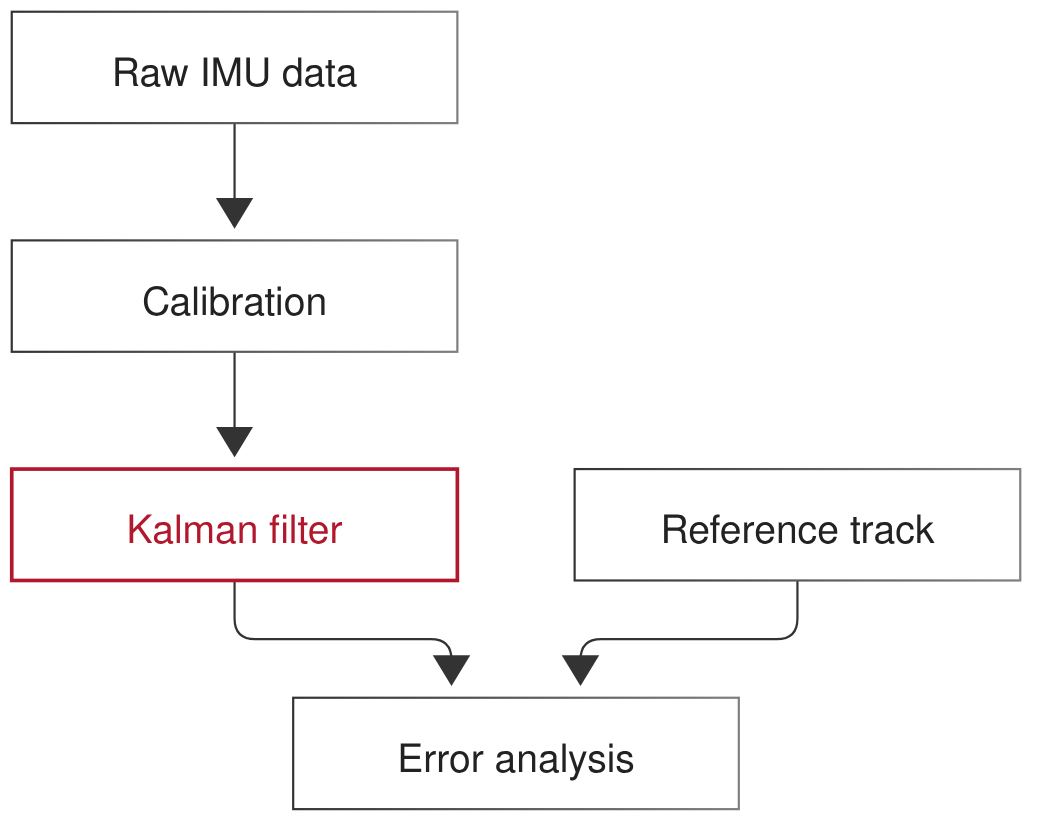
Rendered with the team theme: Nimbus Sans, thin gray strokes, no shadows, one accent color for the element the reader should notice.
Include it exactly like a plot: \teamfig{example_pipeline} in LaTeX, or the PNG in Markdown.
Rules
Style comes from
standards/mermaid/(config.jsontheme +style.css). No inlinestyleorclassDefcolor overrides in.mmdfiles.One accent per diagram:
class <node> accentmarks the thing to notice.Fit the column: prefer
flowchart TB. A diagram narrower than the column is included at natural size, so its text is 10 pt like everything else. Wider diagrams are scaled down to fit, and their text shrinks. UseLRonly for short chains, or put wide diagrams infigure*.Small: one idea per diagram, roughly ten nodes at most, short labels.
The renderer only re-renders diagrams whose
.mmdis newer than their PNG, so unchanged diagrams keep their timestamps and don’t trigger stale-annotation warnings.
Why labels are SVG text, not HTML
Mermaid’s default puts node labels in HTML <foreignObject> elements. Inkscape
and PDF converters mangle those. The team config sets htmlLabels: false, so labels are
real SVG <text> in Nimbus Sans that a human can edit, restyle, or annotate
(see Annotating figures by hand).
When Mermaid isn’t enough
Mermaid’s automatic layout struggles with dense signal-flow block diagrams, feedback loops that need specific placement, or anything needing exact geometry. Options, in order of preference:
Render with Mermaid, then have a human adjust it as an annotation (Annotating figures by hand).
Use Graphviz (
dot -Tsvg,-Tpdf) with Nimbus Sans 10 pt, writing output tofigures/<name>.{svg,pdf,png}. Everything downstream works the same.Draw it by hand in Inkscape and save it directly as
figures/annotated/<name>.svg/.pdf.
Mermaid on Windows and locked-down machines
See Installation: install @mermaid-js/mermaid-cli@12 with npm; if its
Chromium download is blocked, set MMDC_PUPPETEER_CONFIG to a JSON file pointing at
Edge or Chrome.